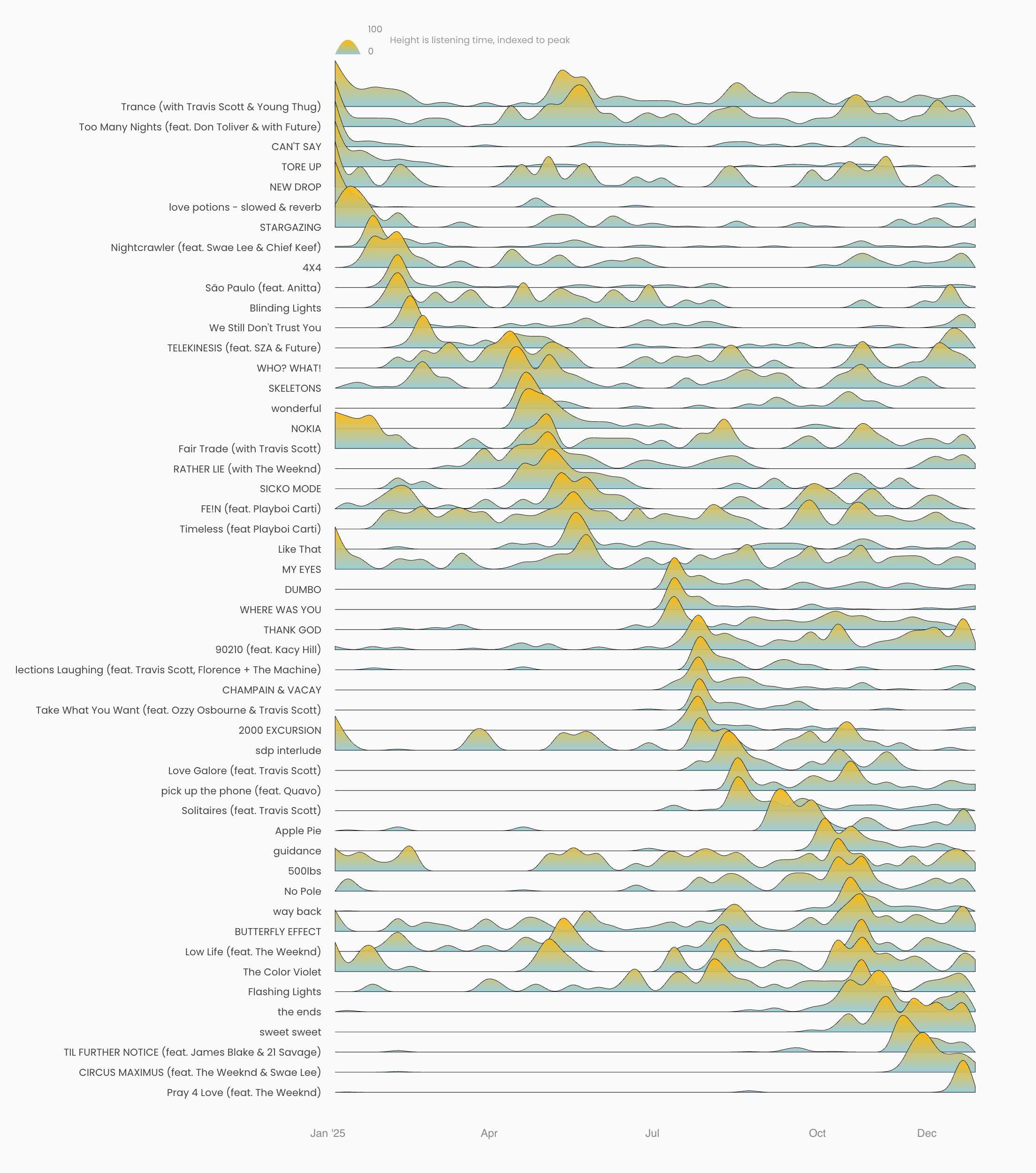
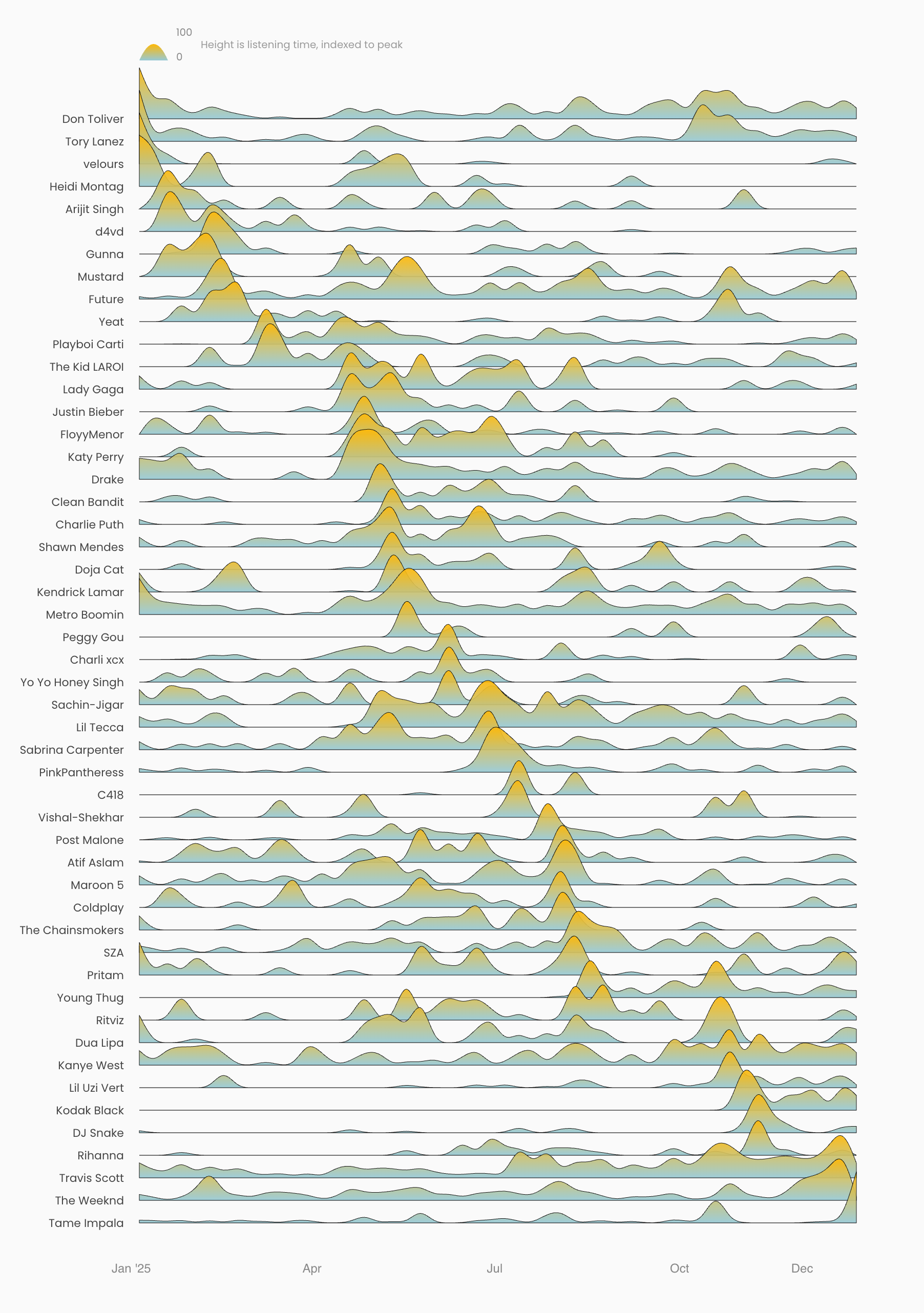
Spotify Ridgeline
Visualize your listening trends over time
1
Request your Spotify data
Go to your Spotify Privacy Settings and request your data under "Download your data".
Open Spotify Privacy Settings2
Wait for your data
Spotify takes up to 5 days to prepare your data. You'll receive an email when it's ready to download.
3
Upload your streaming history
From the downloaded zip, upload the StreamingHistory_music_*.json files. You can select multiple files at once.
Your data stays private. All processing happens locally in your browser. Nothing is uploaded to any server.
Here's how your listening history will look